
Custom actions
Connect your own API, MCP server or OpenAPI spec so the Yedric assistant can act in your systems, set up in the Yedric dashboard.
Custom actions let your assistant take actions in your own systems: connect your own API, an MCP server, or an OpenAPI spec. They involve URLs and credentials and a full editor, so they are set up in the Yedric dashboard rather than in the Shopify app.
Opening the dashboard
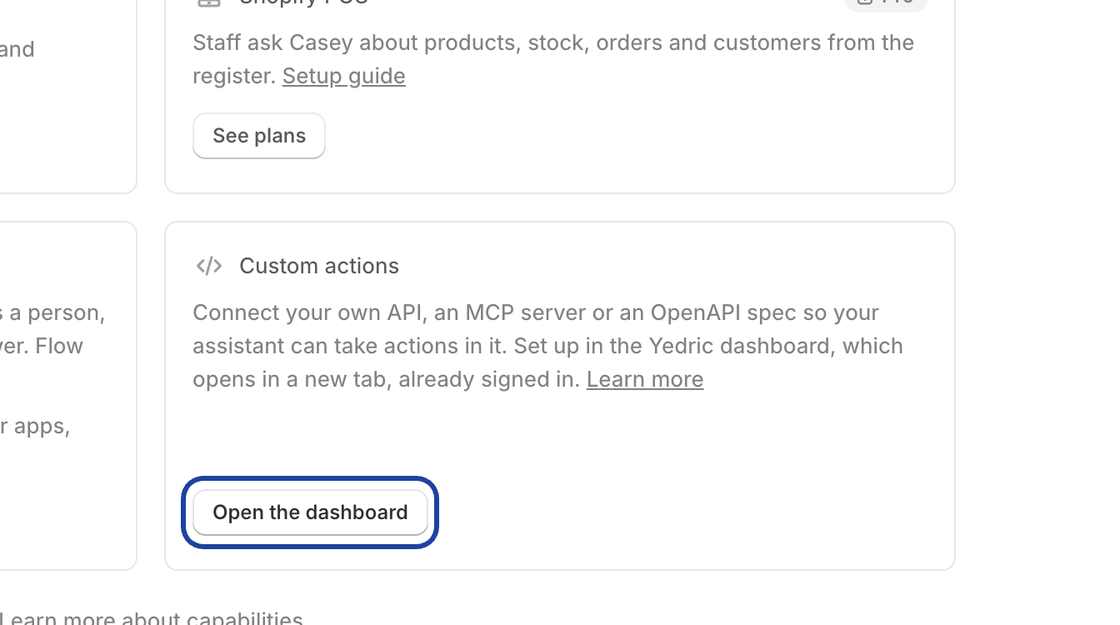
Section titled “Opening the dashboard”On the Capabilities page, under Better with friends, the Custom actions card has Open the dashboard. It opens the assistant’s Actions page in the Yedric dashboard in a new tab, already signed in. Only the store owner or an admin can open it.
From there, follow Actions to add a custom server. Your developer may also find MCP Server and Custom Apps useful.