
Shopify App
Overview of Yedric for Shopify, an AI assistant that answers shoppers from your catalog and policies, looks up orders, and hands off to your team.
Yedric for Shopify puts an AI assistant on your storefront that answers shoppers from your own catalog and policies, looks up their orders, and hands the conversation to your team when a person is needed. You set it up and run it from inside your Shopify admin, with no code to paste into your theme.
The Shopify app is built on the same Yedric you can use at app.yedric.ai, with the setup done for you: installing the app creates your assistant, reads your store, and connects the chat to your theme. Everyday work happens in the app’s pages in your Shopify admin. A few deeper tools, such as live chat, the email inbox and custom actions, open in the Yedric dashboard in a new tab, already signed in.
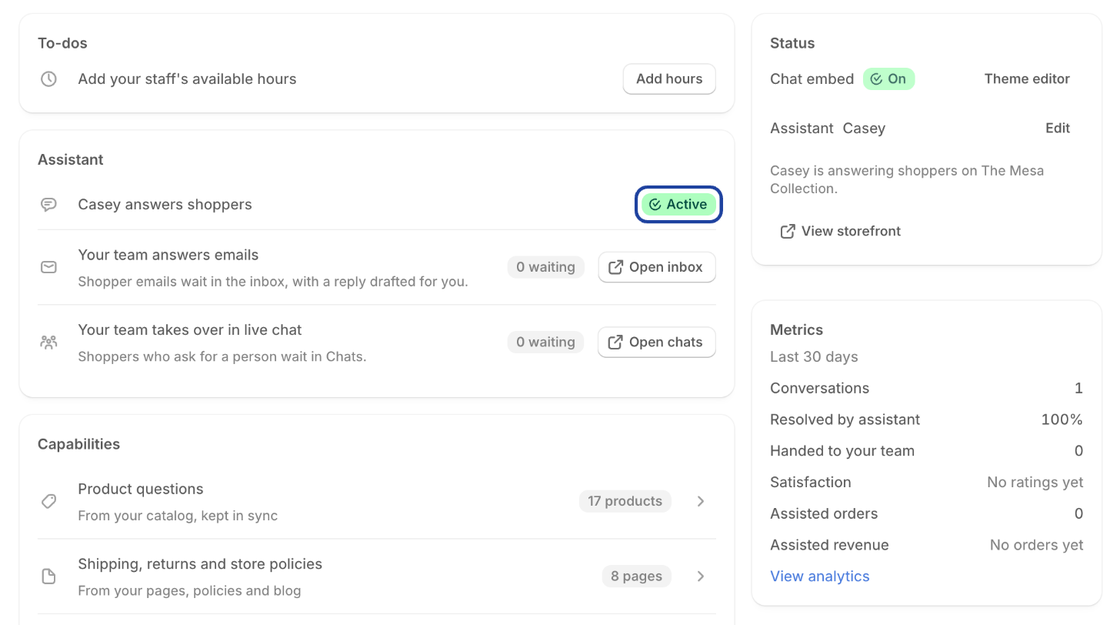
- Getting Started: Install the app and have the chat answering shoppers on your storefront in about five minutes.
- Going Deeper: Every page of the app in detail: Home, Assistant, Conversations, Analytics, Settings, your team’s inbox, plans, and the places Yedric shows up around your Shopify admin.
- Capabilities: What your assistant can do beyond answering questions, one page each: order lookup, returns, size finder, recommendations, discount codes, and the ShopPad apps and Shopify tools it works with.
- Ask Yedric in POS: Let store staff ask your assistant about products, stock, orders and customers from the register.
Who can change what
Section titled “Who can change what”Anyone on your store’s staff who can open the Yedric app can read its pages, review conversations, tag them, and leave notes. Changing the assistant, its capabilities, the chat widget, and the plan is limited to the store owner and staff with admin access. Other staff see those controls disabled, with a note saying so.