
Usage
Check token and efficiency numbers for one Yedric assistant to work out why usage changed or whether it is being used as you intended.
Every assistant has its own Usage page, reached from the assistant’s sidebar. It reports tokens and efficiency for that one assistant, which is what you want when you are trying to work out why usage moved or whether an assistant is being used the way you intended.
For the same numbers across every assistant at once, see the Usage section on Organizations.
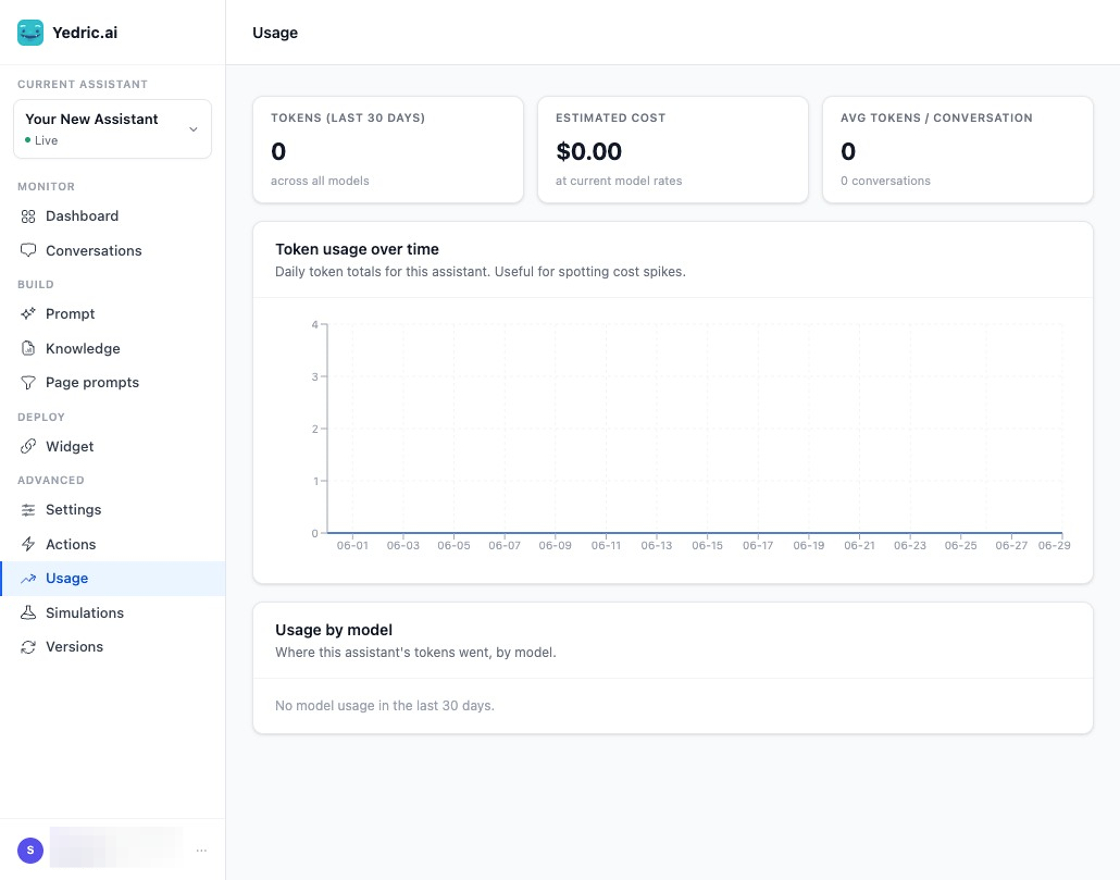
Usage reports token usage for a single assistant.
Totals
Section titled “Totals”Three figures sit at the top: Tokens, counted across all models and including simulations; Estimated cost calculated at current model rates; and Avg tokens / conversation, which excludes simulations and shows the number of conversations it was averaged over.
Token usage over time
Section titled “Token usage over time”A daily token total across the range. This is the fastest way to spot a spike and tie it to a day, which you can then chase down in Conversations or in the longest conversations list below.
Usage by model
Section titled “Usage by model”Where this assistant’s tokens went, broken down by model, largest first. The list is capped at the ten biggest models and tells you how many smaller ones it left out, so a long tail of experiments does not bury the models that matter.
If you see tokens against a model you did not expect, check the assistant’s model setting and any simulations you have been running, since simulation runs consume tokens too.
Efficiency signals
Section titled “Efficiency signals”This card is about whether the assistant is being used well, not just how much.
Avg turns / convo Average back-and-forth per conversation.
Tool calls How many times the assistant’s actions ran in the range.
Tokens / tool call Tokens spent per action invoked. Lower is better. It reads as a dash when no actions ran.
No-tool convos The share of conversations where the assistant answered without running a single action.
Prompt cache hit The share of prompt tokens served from the provider’s prompt cache rather than processed fresh. Higher is better.
Spent reasoning The share of output tokens the model spent on reasoning rather than on the reply your user read.
Read the first four together. A high Tokens / tool call alongside a high No-tool convos share is the signal the card exists for: it means people are treating your assistant as a general-purpose chatbot rather than using it for the workflows in your app. The fix is usually the instructions or the action descriptions, not the model.
Usage by username
Section titled “Usage by username”Tokens grouped by end user. This needs identified users, so it is only meaningful when you are passing a username through Secure Mode. Use it to find the handful of accounts driving most of the volume.
Longest conversations
Section titled “Longest conversations”The heaviest conversations by total tokens, including simulation runs. This is the quickest route from “usage went up” to the specific sessions responsible. Each row links through to the conversation itself.
Related
Section titled “Related”- Dashboard: volume, sentiment, and recommendations rather than token usage.
- Organizations: the same reporting across every assistant, plus where you add your own provider keys.